Ping
ICMP latency, packet loss and charts. IPv4 and IPv6.

IPHONE · iOS 26+
Ping, DNS, ports, HTTP and certificates from your iPhone. No account, no ads, everything on your device.
Coming soon to the App StoreFree tools. Optional Pro, one-time purchase.


QUICK CHECK
Enter a domain or URL. See which step fails and why.
Checks go directly from your iPhone to the target you choose.
YOUR NETWORK TOOLKIT
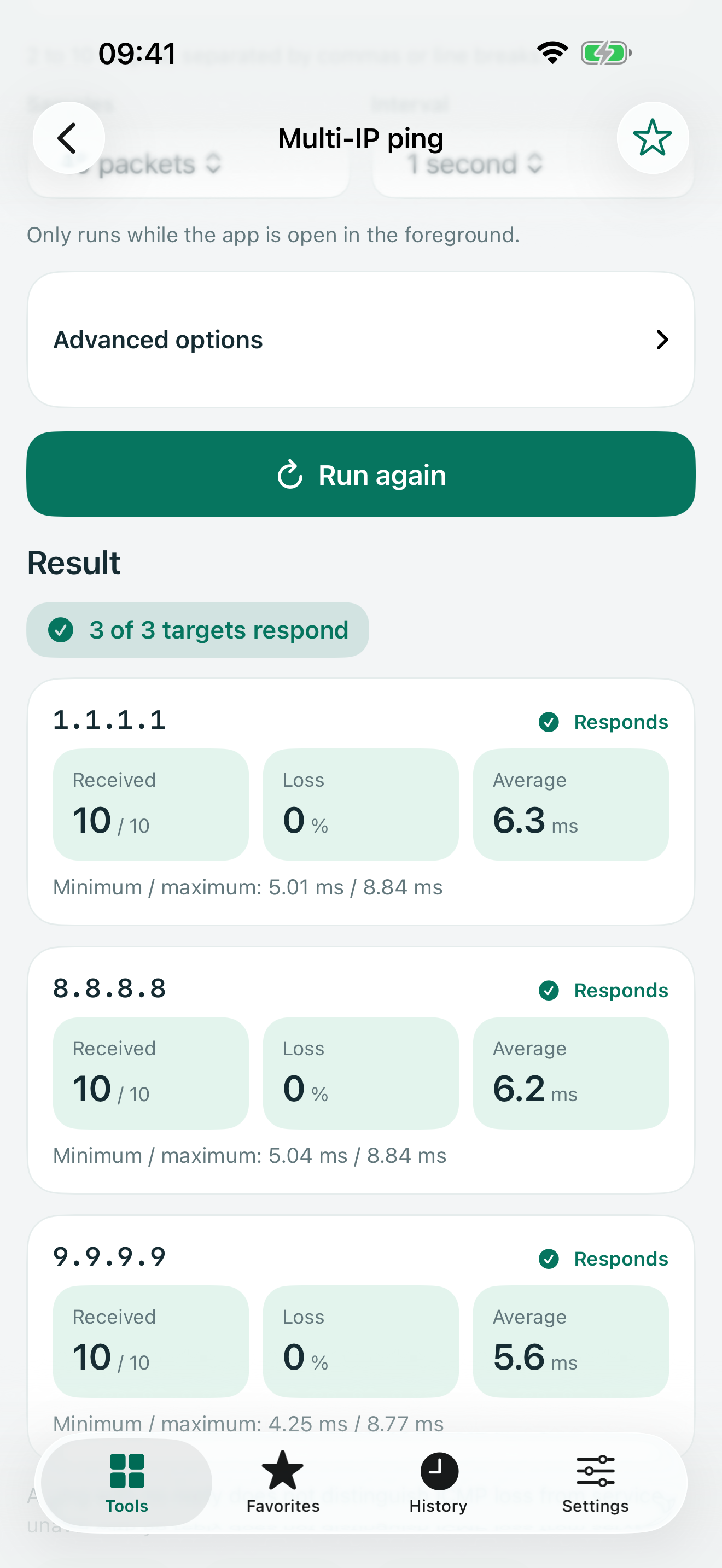
ICMP latency, packet loss and charts. IPv4 and IPv6.
Records, TTL and response codes. Choose your resolver.
Check whether a specific port accepts connections.
Status, redirects, headers and timings by phase.
Validity, issuer, names, chain and trust.
IPv4 network, mask, broadcast, range and hosts. Offline.
HONEST RESULTS
If a piece of data isn't available, PingPocket says so.
PRIVACY
No account, no ads, no analytics. History stays on your iPhone and out of backups. Sensitive data is hidden when sharing.
Read the privacy policy ↗One-time purchase. The basic tools stay free.
A LITTLE HELP
Not necessarily. A timeout only means no reply arrived in time; it can be caused by filtering, routing, server load or a device that is off. PingPocket doesn't claim a cause it can't observe.
To check devices on your own network (router, printer, NAS…). PingPocket only uses it when you run a check. If you deny it, checks to your network may fail, but that doesn't mean the device is down. You can change it in iOS Settings › Privacy & Security › Local Network.
iOS requires encrypted connections for the Internet. PingPocket allows http:// only to IP addresses and .local names on your local network. For Internet websites, use https://.
Some routers don't reply or rate-limit their replies; that doesn't mean a failure. Each probe may also take a different path.